Whisperit allows you to easily transcribe exactly what you say with just a few simple steps.
- Start Dictation: Click the mic icon or press
CTRL+Gto begin dictating.
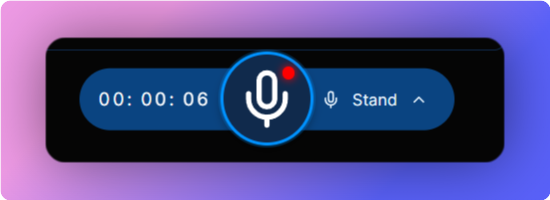
- Speak Clearly: Speak naturally and clearly while Whisperit listens to your dictation
- Stop Dictation: Click the mic icon or press
CTRL+Gagain to stop dictating.
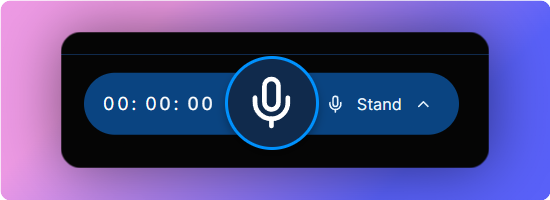
- Transcription: Whisperit will now transcribe the recording.
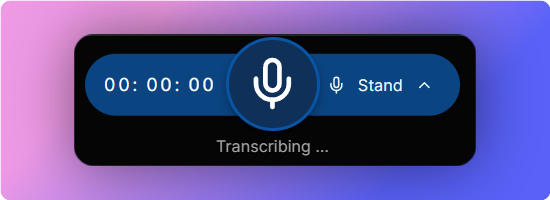
That's it! Your spoken words will now be transcribed exactly as you said them.
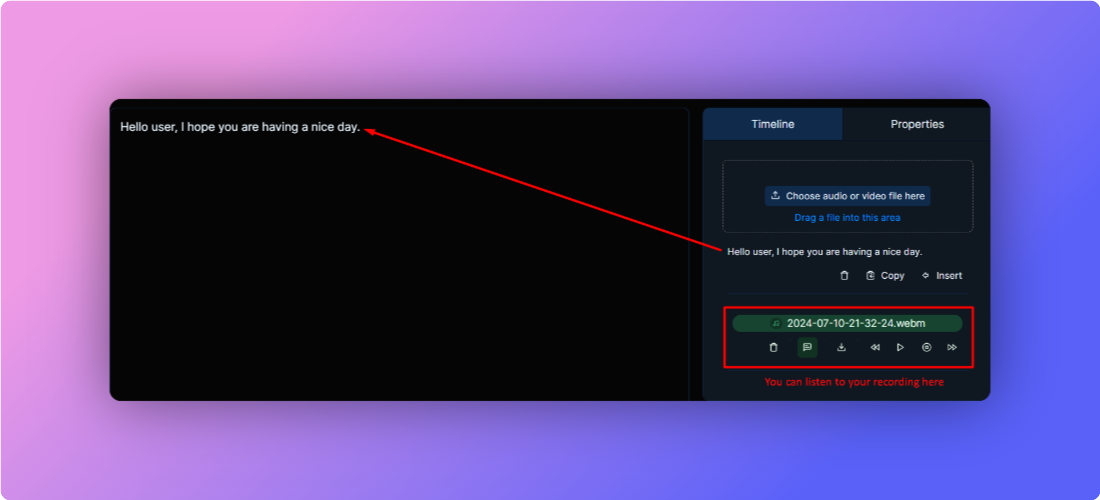
Auto Paste Transcription: The transcription will automatically be pasted into the text box and will also appear in the right pane for future reference. Access Recording: The recording will be shown in the right pane as well, allowing you to listen back.
Use CTRL+G to start and stop dictation.